01
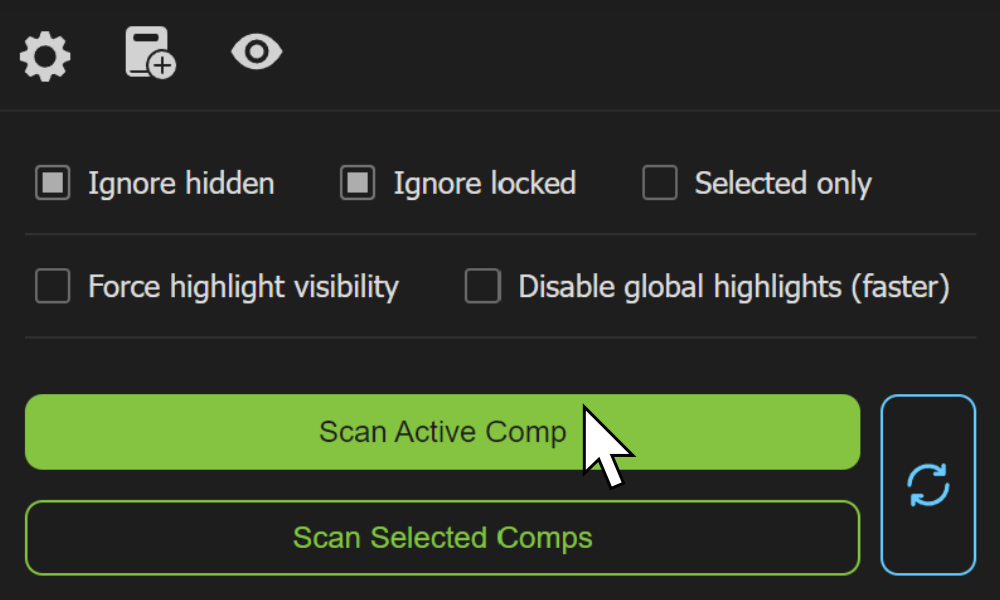
Scan
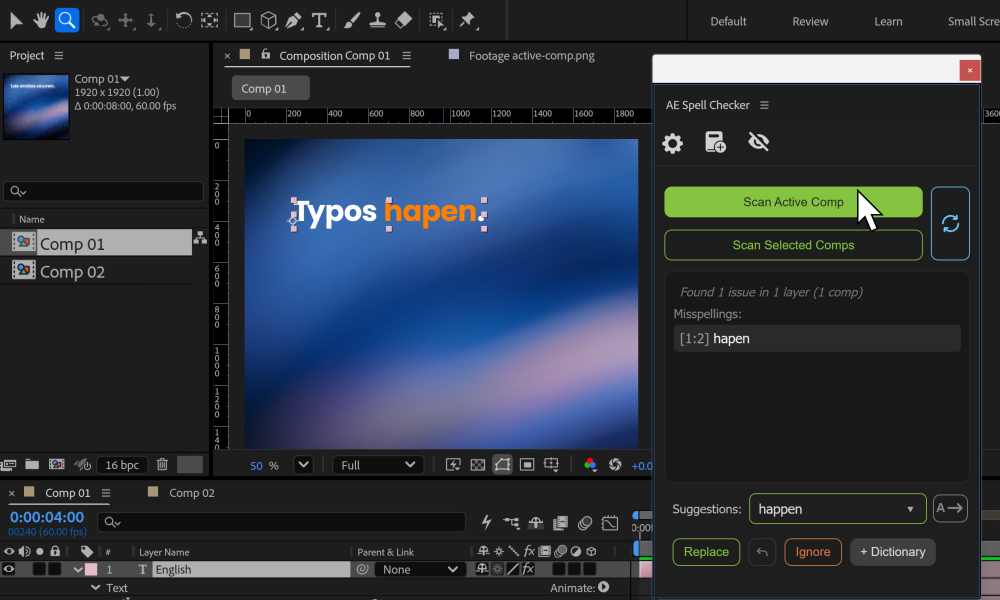
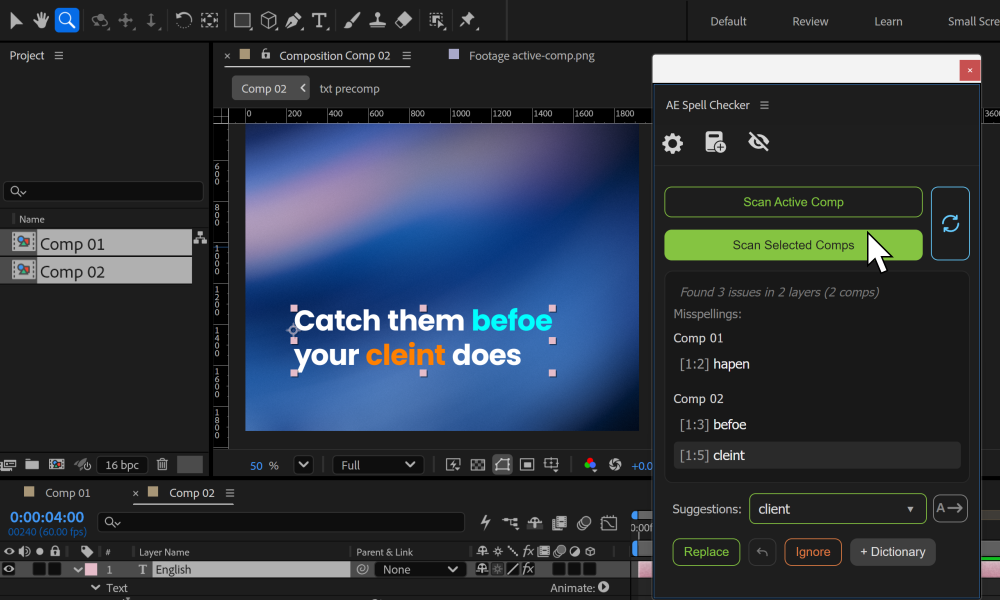
Check the active comp or scan selected comps when you want a broader pass.
 Midnight Snacks
A practical spell checker built for Adobe After Effects.
Scan text, review issues, and fix mistakes without digging through layers one by one.
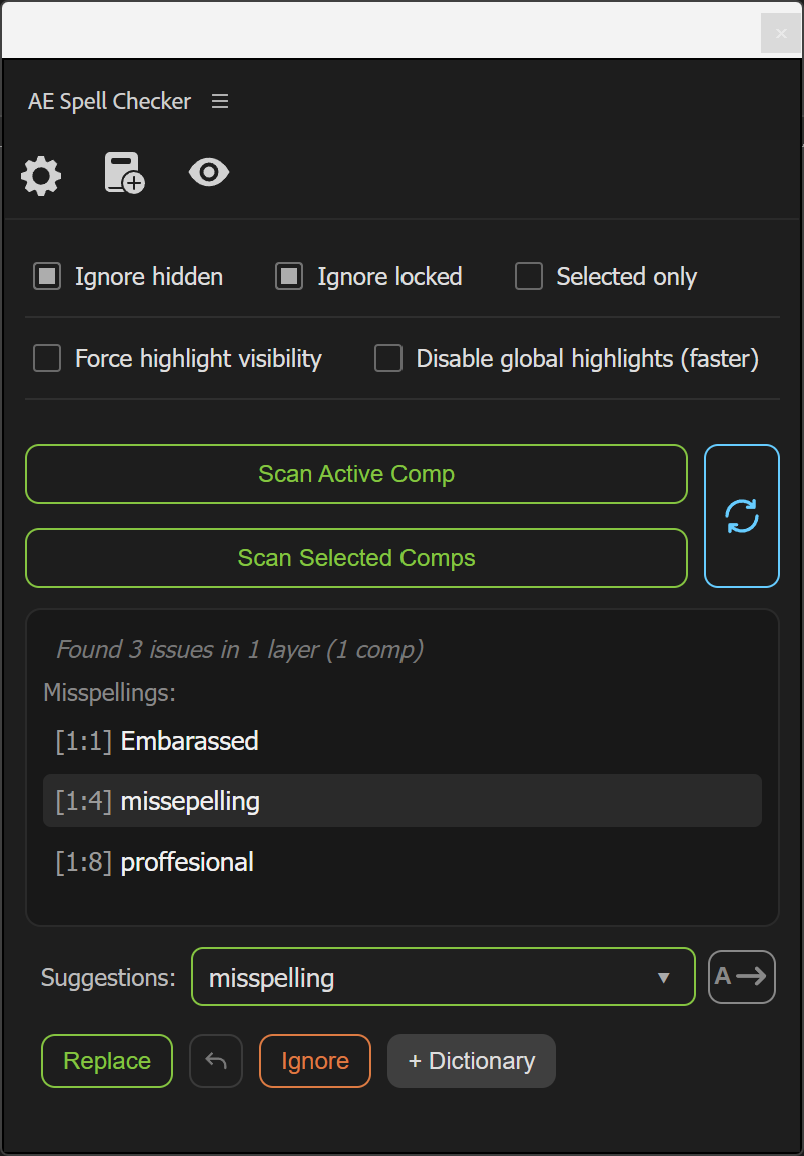
When Auto Advance is on, the panel selects and navigates to a nearby remaining error after each replacement. Turn it off to pause and review your change before choosing the next issue.
Three steps. No hunting through text layers.
Check the active comp or scan selected comps when you want a broader pass.
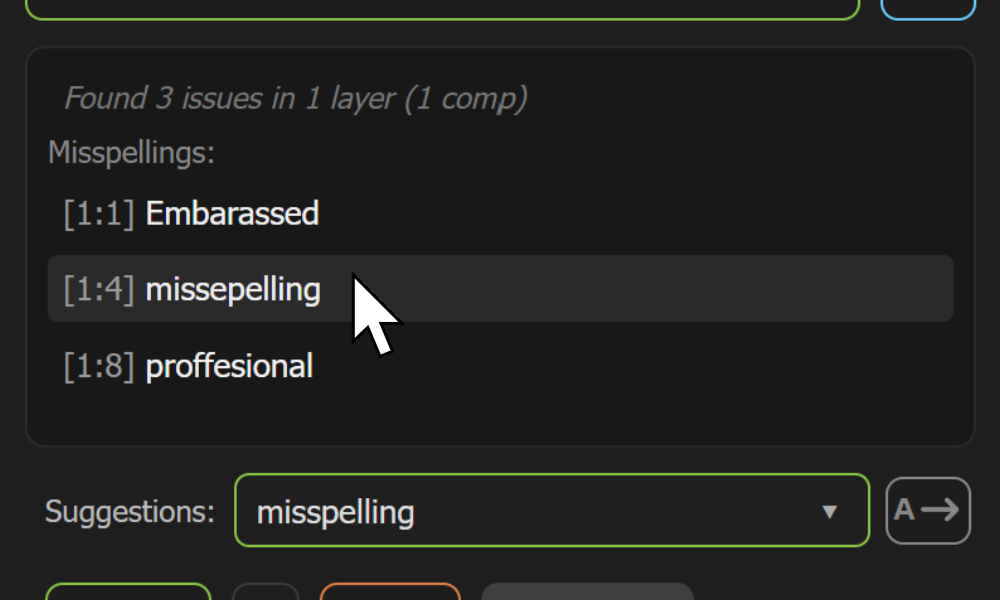
Jump directly to flagged text, review the issue, and see it in context.
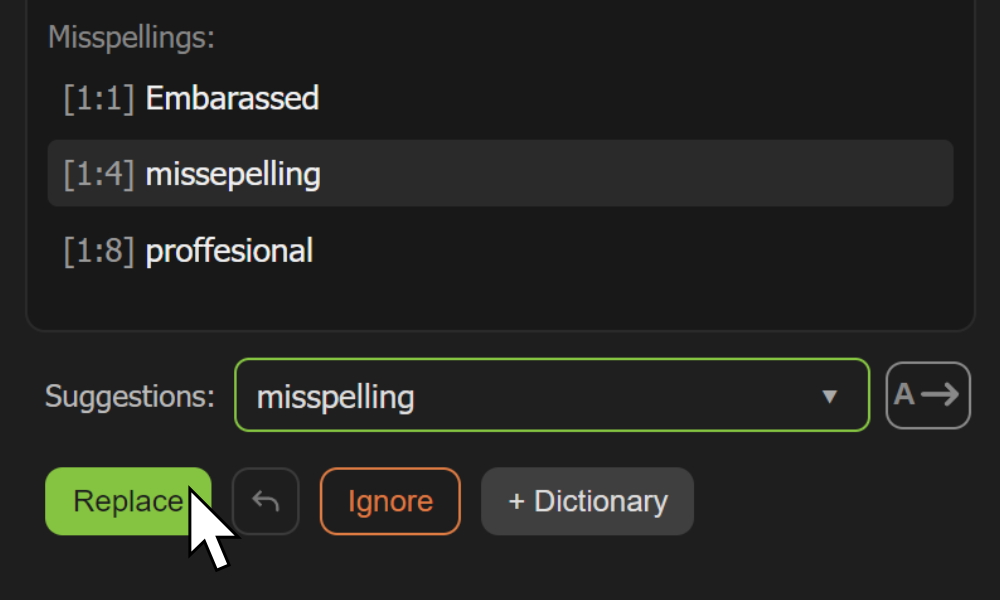
Choose the right suggestion, replace the word, and keep moving.
Use Scan Active Comp while you're working, or Scan Selected Comps for a larger proofreading pass.
Add names, terminology, abbreviations, or specialty words you don't want flagged again. Custom entries are case-insensitive and can include numbers, hyphens, and apostrophes.
Protect the spelling that matters. Brand Dictionary catches incorrect capitalization, missing accents, trademark symbols, hyphen variations, and common typos, then suggests the exact approved form.
See flagged words directly in the comp while reviewing results.
Move directly to the layer and issue instead of searching manually.
Review spelling suggestions and correct text quickly.
Back out of the last replacement when you need to reconsider it.
Customize the colors used to flag issues and show the selected result.
Filtering, highlight settings, and workflow options for real AE projects.
Correct whole words in mixed-style text layers while preserving surrounding fonts, sizes, and formatting. Words with conflicting styles or custom kerning may need manual edits.
Scan across Source Text keyframes, jump to flagged words, and correct text at the relevant keyframe.
Check the underlying Source Text in layers with expressions. Supported expressions allow replacement; expression-generated text isn’t checked, and some expressions may hide highlights.
One last pass.
Scan. Review. Replace.
Get AE Spell Checker on aescripts ↗